
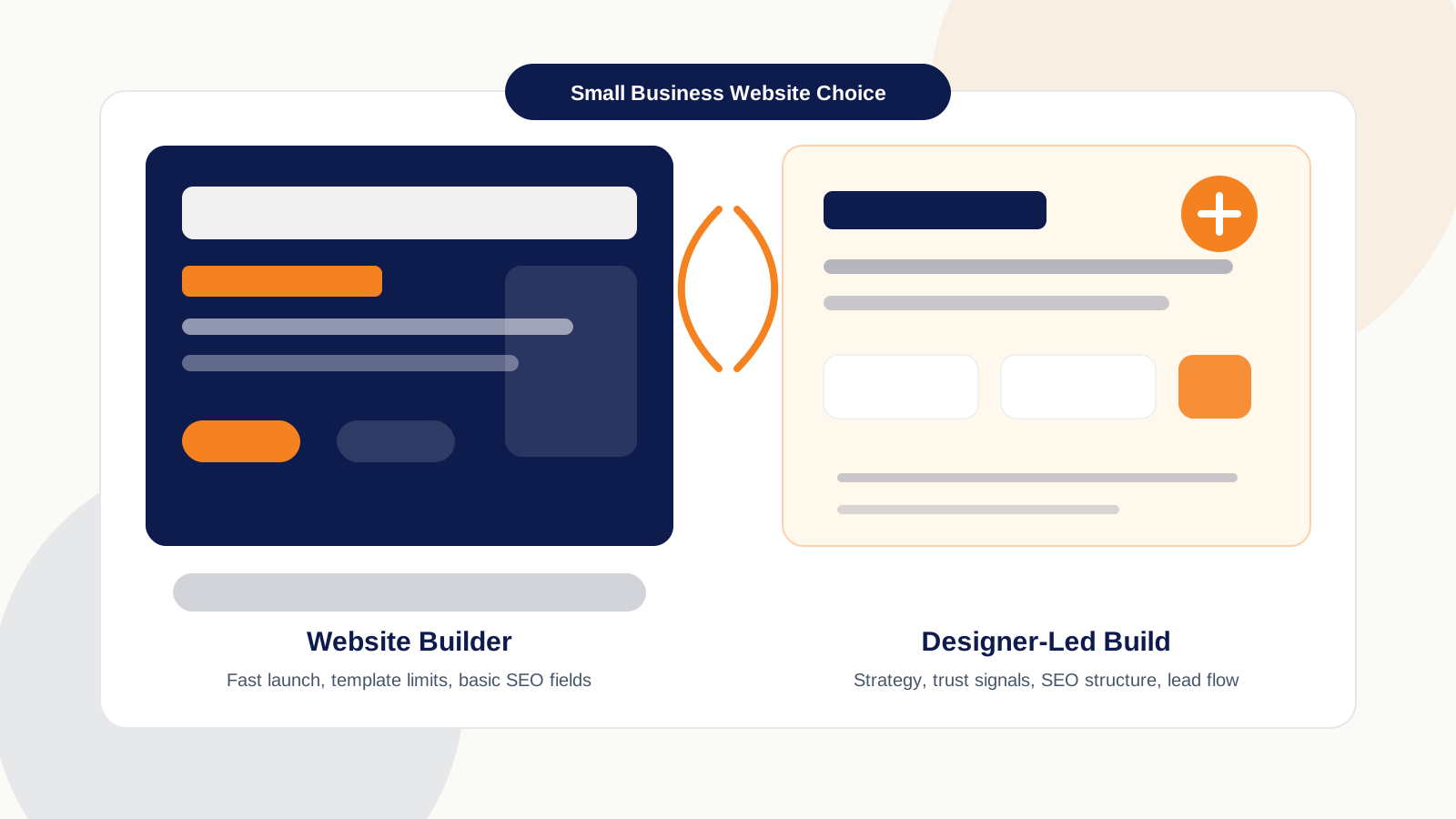
Choosing a website builder for small business looks simple from the outside. One option is cheaper and faster. The other costs more and takes more planning.
That is true, but it is not the whole decision.
I have built websites with Hostinger Website Builder, Wix, Weebly, WordPress, Shopify, and custom-coded websites. My honest take is simple: all of them can work when the platform fits the job. Super Sanitation ranks in Abbotsford on a Hostinger Website Builder site. Paws by the River ranks in Chilliwack on Wix. DELANA Interiors ranks in West Vancouver on a custom-coded site. Scholars Hub runs on Shopify because it is a 200+ product store.
So no, this is not a builders-are-bad article. That would be lazy. The better question is this: does your small business website only need to exist, or does it need to bring in calls, quote requests, bookings, and better Google visibility?
What is the best website builder route for a small business?
The best website builder route for a small business depends on how much the site needs to do. For a simple online presence, a builder like Wix, Hostinger, Weebly, Squarespace, Shopify, or WordPress can be enough. For a site that needs to generate leads, support SEO, and tell a business-specific story, a designer-led build usually gives you more control.
That matches the real buyer question: most owners are not only comparing tools and people. They are trying to decide the safest route for their business stage, budget, and growth plan.
What is the difference between a website builder and a web designer?
A website builder is a tool that lets you create a site using templates, drag-and-drop sections, built-in hosting, and basic SEO settings. A web designer is a person who plans the page structure, visual direction, conversion flow, and user experience around the business goal.
Wix, Hostinger Website Builder, Squarespace, Weebly/Square, Shopify, and WordPress.com reduce the technical barrier. Wix lets users edit page title tags and meta descriptions inside its SEO panel, and Hostinger's builder includes SEO settings for meta titles, descriptions, URLs, and index controls. Sources: Wix SEO title and meta support and Hostinger Website Builder SEO settings.
That is the good side. You can get online without learning code. A web designer thinks about another layer: what the first section should say, what button text matches the service, where reviews should appear, which image helps the reader trust the business, and what page the visitor should click next.
Coursera's web designer vs developer guide explains the usual split: designers focus on visual design and user experience, while developers build the structure and functionality. For a small business, those lines often overlap. Source: Coursera web designer vs web developer.
When is a website builder enough for a small business?
A website builder is enough when the site is simple, the budget is tight, and the business owner is comfortable doing the setup. If you need a basic homepage, contact page, service list, photos, and a form, a builder can be a practical first move.
Hostinger is the easiest builder for a true beginner in my experience. You get hosting and the builder together, the cost is predictable, and you can publish something basic without knowing design software. Hostinger says its builder includes hosting, a free domain on eligible plans, SSL, and AI tools. Source: Hostinger Website Builder.
Wix gives more flexibility than the simplest builders. You get more design options and stronger built-in tools. Wix says paid plans start from $17 per month when billed annually, and its plans include features such as custom domains, analytics, and ecommerce on higher tiers. Source: Wix premium plan guide.
| Use a builder when | The trade-off |
|---|---|
| You need a basic website quickly. | You still need to make the template feel like your business. |
| You are testing a new business idea. | The site may need a rebuild once the offer is proven. |
| You have more time than budget. | You pay with learning time instead of project cost. |
| You are not planning heavy SEO or paid ads yet. | Advanced structure may be harder to add later. |
When should you hire a web designer instead?
Hire a web designer when the website needs to win trust, explain a service clearly, support SEO, and turn visitors into leads. That is especially true for plumbers, electricians, contractors, mortgage brokers, law firms, clinics, salons, and other local service businesses.
A service-business website has two jobs. First, web design. The site has to look credible, feel easy to use, and guide the person toward the right action. Second, SEO. The site has to explain what the business does, where it works, what pages connect together, and why Google should understand it as a real local entity.
Shopify's builder-vs-developer guide gives a useful split: a builder can work when you are starting out, a designer helps when the site looks fine but converts poorly, and a developer helps when the site needs custom features. Source: Shopify website builder vs web developer.
One mortgage client tried to build his own website first. He expected AI and a builder to give him a finished result after he entered the business details. The site came out as a starting point, not a finished business asset. He still had to fix layout, images, flow, and the way the page explained the service. He eventually hired me.
For that mortgage site, the image choices were not random. The homepage needed a couple looking at a house because the page was about the desire to own one. The mortgage rates section needed a more stressed couple because rates create pressure. The refinancing section needed relief: a happy couple with keys in hand. That is designer judgement. A tool can place an image. A designer asks what the image is doing.
Is WordPress better than Wix or Hostinger for SEO?
WordPress gives more SEO control than simple builders, but it also asks more from the person using it. Wix and Hostinger can handle basic SEO fields. WordPress can go deeper with plugins, page builders, custom layouts, schema tools, and stronger control over content structure.
Rank Math's documentation shows how WordPress users can edit SEO titles, descriptions, and focus keywords in Gutenberg, Elementor, Divi, and other workflows. Elementor also documents Rank Math integration for SEO suggestions, meta snippets, and schema settings inside the editor. Sources: Rank Math SEO meta tags and Elementor Rank Math integration.
That does not mean WordPress is automatically the right choice for every owner. WordPress has a learning curve. If you are using Elementor, Rank Math, plugins, themes, hosting, backups, and updates, you need to understand enough to keep the site healthy. We wrote a full honest guide on WordPress web design in Abbotsford — when it is the right call, real CAD costs, and the plugin rules that keep it fast.
| Option | Best fit | Main trade-off |
|---|---|---|
| Hostinger Website Builder | Simple beginner site, tight budget, fast publish | Less room for a custom concept |
| Wix | Beginner-friendly site with more design options | Still works inside the builder system |
| WordPress | More SEO control and content flexibility | More learning and maintenance |
| Shopify | Ecommerce with products, checkout, shipping, and payments | Not usually needed for a basic service website |
| Web designer or custom build | Lead generation, SEO structure, custom layout, stronger brand story | Higher upfront cost and more planning |
My preference for IshaanEx projects is designer-led and often custom-coded because I care about speed, layout control, SEO structure, and the exact concept in my head. But I still build on Wix, WordPress, Shopify, and other platforms when that is the right fit. The platform should serve the business, not the other way around.
How much does each option cost in Canada?
Website costs in Canada vary because website can mean a one-page brochure, a five-page service site, a 20-page SEO build, or a full ecommerce store. GoDaddy Canada's website cost guide says a small business website may cost as little as $170 per year, while large or complex projects can reach $30,000 or more. Source: GoDaddy Canada website cost guide.
For IshaanEx Digital, public website design pricing starts at $500 for an Essential 3-7 page website, $1,000 for a Growth 8-12 page website, and $1,500 for an Authority 13-20+ page build with a deeper care period and AI chatbot setup.
BDC also lists free and low-cost website tools for Canadian businesses, including builders that bundle templates, ecommerce, booking, and marketing tools. Source: BDC website creation tools.
The cheapest option is not always the lowest-cost option over time. If you spend three weekends fighting the layout and still need to hire someone, that time counted.
Free worksheet
Website build decision checklist
Use this before you choose a builder, WordPress, Shopify, or a designer-led website.
What does a web designer notice that most DIY builders miss?
A web designer notices the decisions behind the page. Not just the colours and fonts. The sequence.
On a local service website, I am thinking about what the homepage hero should say in the first five seconds, whether the CTA should be Book an appointment or Request a quote, where the first trust signal should appear, which image supports the promise in that section, how much spacing the page needs before it feels calm, and whether the page is ready for ads later.
For a mortgage client, Call us might be weaker than Book a mortgage consultation. For a renovation contractor, square buttons and warm CTA colours may feel more grounded than soft, rounded shapes. For a pet-care business, the images need care and warmth. For a law firm, the site needs restraint and trust.
Those are not decoration choices. They change how people read the page. The same is true for SEO. A builder can give you a meta title box. Good. Use it. But SEO also needs page hierarchy, internal links, service-area structure, schema, image alt text, clear headings, and content that answers real questions.
Website build decision
Choose the route by what the website must do
Basic presence
Use a builder when you need a simple site, fast launch, and low cost.
More control
Use WordPress when you want stronger SEO control and can handle setup.
Lead generation
Hire a designer when the site must earn trust, rank, and bring in leads.
Should I build my own website or hire someone?
Build your own website if the business is early, the website is simple, and you are willing to learn the tool. Hire someone if the site must rank, convert, support ads, carry trust signals, or match a specific concept that templates cannot reach.
| Your situation | Better fit |
|---|---|
| You need one simple page this week | Website builder |
| You have almost no budget but plenty of time | Website builder |
| You want to learn and keep full content control | WordPress or builder |
| You are launching an ecommerce store | Shopify or ecommerce-focused platform |
| You need service pages, city pages, and SEO structure | Web designer with SEO knowledge |
| You plan to run Google Ads | Designer-led landing page |
| You already tried DIY and the site still feels wrong | Web designer |
Frequently asked questions about website builders and web designers
Can a website builder site rank on Google?
Yes. A builder site can rank when the page is clear, useful, fast enough, and supported by good SEO work. The platform matters, but the service pages, local proof, internal links, headings, and trust signals matter more.
Is Wix better than hiring a web designer?
Wix is better when you need a simple site, want to edit it yourself, and can work inside the builder system. A web designer is better when the site has to match a specific concept, guide leads, support deeper SEO, or prepare for ads.
Is WordPress too hard for beginners?
WordPress is not impossible for beginners, but it has a learning curve. Themes, Elementor, plugins, SEO settings, backups, and updates take time to understand. If you want more control and are willing to learn, WordPress can be a strong middle option.
Should I build my own website before hiring someone?
Build your own website if you need a simple first version and have time to learn. Hire someone sooner if the website is tied to revenue, paid ads, local SEO, or trust. A weak DIY page can cost more than it saves when it loses calls.
What should I ask before hiring a web designer?
Ask how the designer handles layout, mobile design, SEO structure, page speed, conversion, images, copy flow, ownership, and handoff. A good designer should explain the plan without hiding behind jargon.
What is the best website builder for small business?
The best website builder for small business depends on the job. Hostinger is simple for beginners, Wix gives more design flexibility, WordPress gives more control if you learn it, and Shopify fits ecommerce. If the site needs leads and SEO, a web designer may be the better route.

Harman Chahal
Not sure if you need a builder or a designer?
Send your current site or idea. I will tell you honestly whether a builder is enough, WordPress makes sense, or a designer-led build is the better move.